Kanban multi-profile
Enable the official Desktop Kanban plugin; run one card across profiles.
00of 03 sections behind you
Why this lab
01
Enable plugin
Desktop
02
One card
Small scope
03
Profiles
1–2 agents
04
kanban-notes
Artifact
Kanban is the first official Hermes Desktop plugin: board UI, sidebar, hotkeys, backend. It is multi-step / multi-profile work — growth after a solid single harness, not Part I.
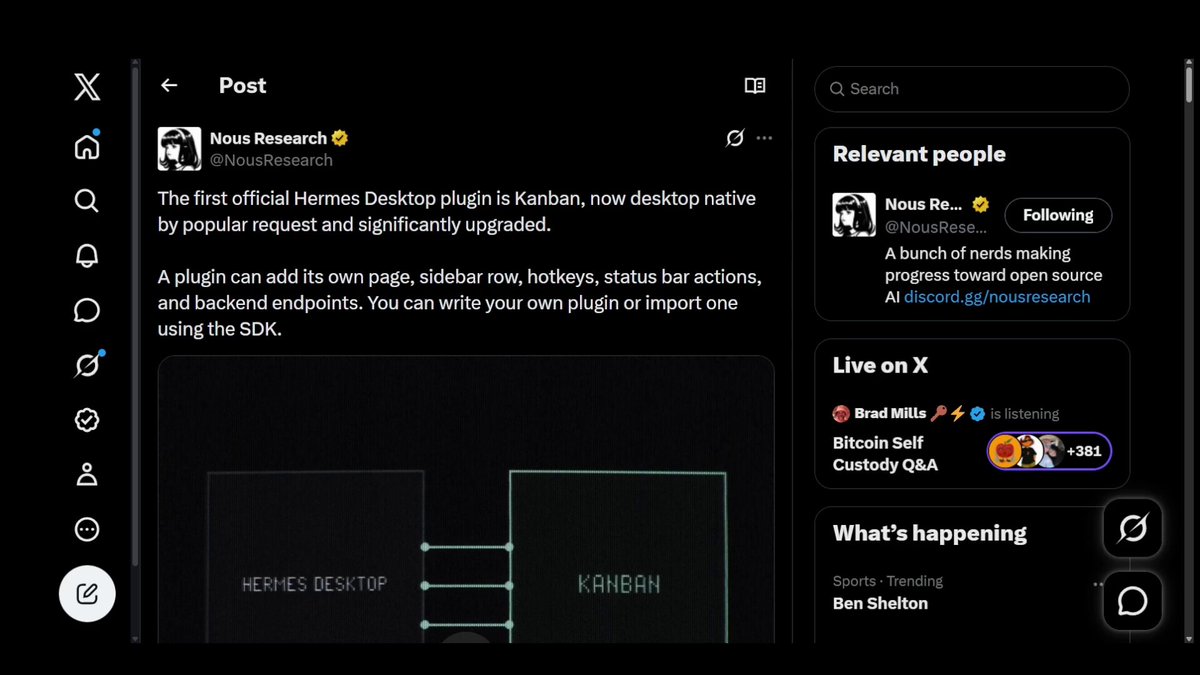 Open on X
 Enable and run
Steps · tap the number to check0/6
- In Desktop, open Plugins (or Extensions). Enable Kanban if not already on. Restart Desktop if required.
- Confirm a Kanban page or sidebar entry appears.
- Create one real-ish task card (e.g. “Draft weekly notes outline”). Keep scope small.
- If you have two profiles: assign steps so each profile handles a different stage (research vs draft). If one profile only: run the board end-to-end on that profile and note “single profile” in kanban-notes.md.
- Move the card through at least two columns. Capture which agent/profile acted.
- Write kanban-notes.md: enable path, columns used, profile map, one friction note.
Do not open the board to untrusted users. Same allowlist discipline as gateway. Plugins extend trust surface.
kanban-notes.md template
# kanban-notes.md
Plugin enabled: how […]
Card: […]
Columns: […]
Profiles: […]
Friction / next: […]